Batch Processing CIS Returns
The Batch Operation utility on the BrightCIS contractor window enables users to process or perform a task on multiple contractors' files with a single click.
a) To access the batch operation, open BrightCIS and select 'Batch'.

b) To batch send outstanding CIS submissions to HMRC, select this option from the 'Batch' drop down menu.
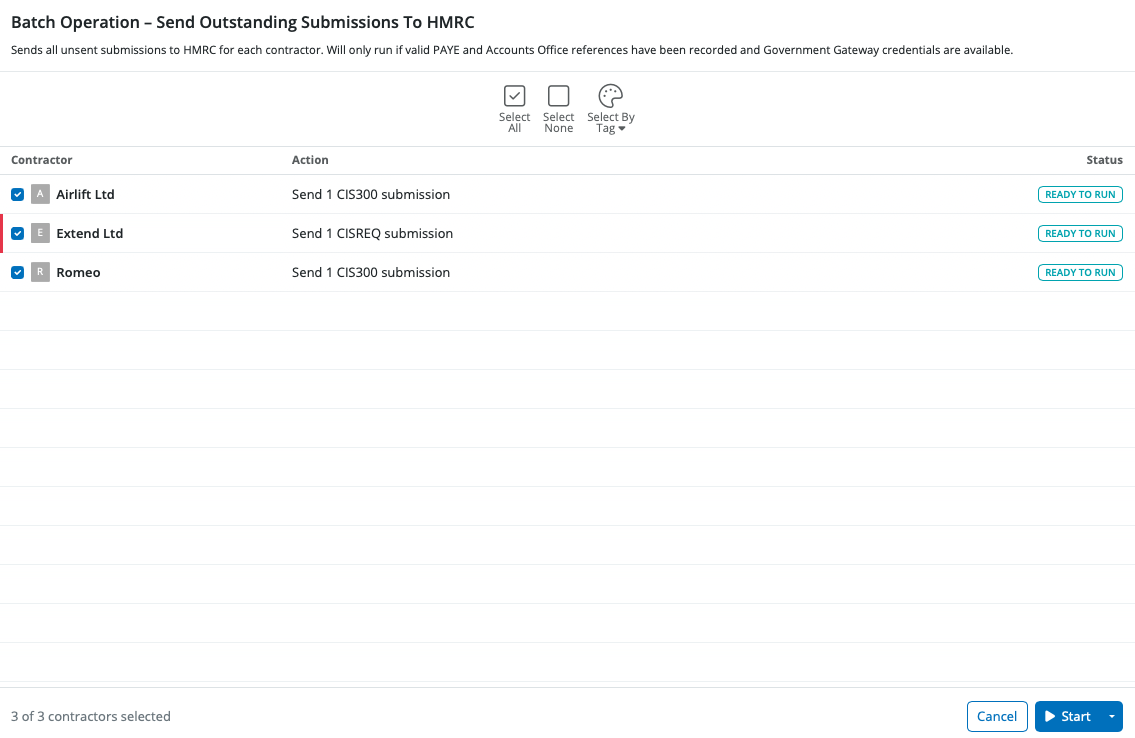
c) BrightCIS will list all contractor files that have outstanding CIS submissions. If you do not wish to include any contractor(s) in the batch submission, simply de-select them.
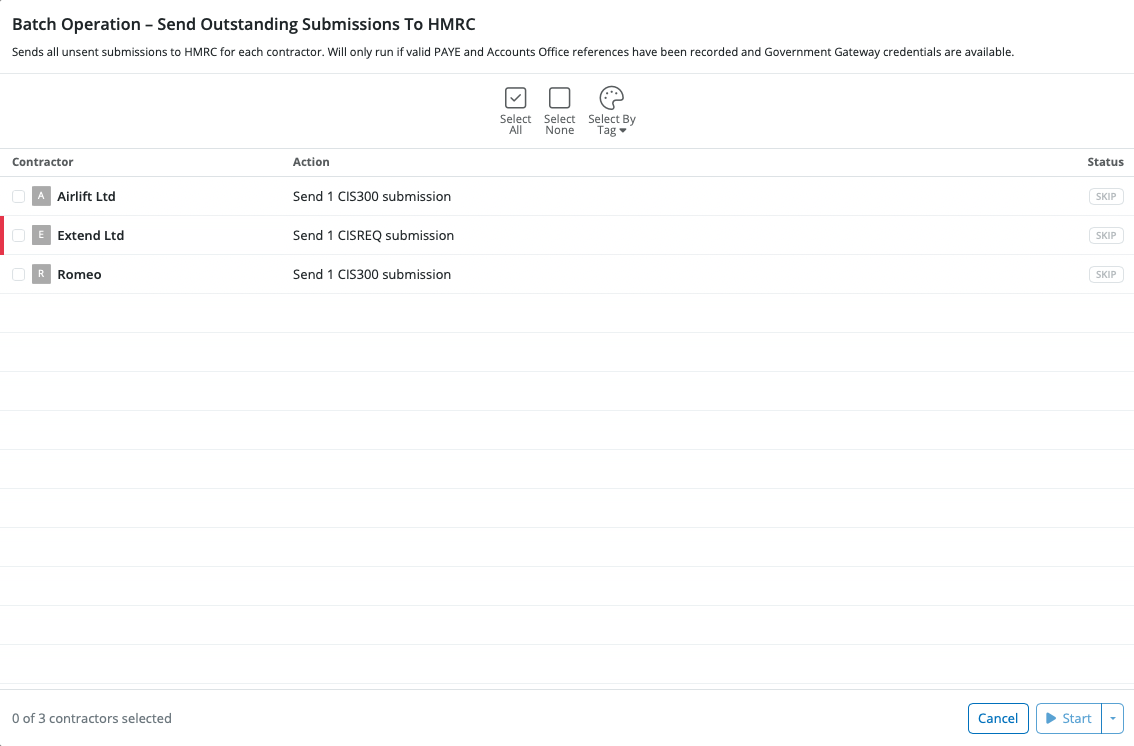
d) Click "Start" to send the outstanding submissions for all selected contractors.
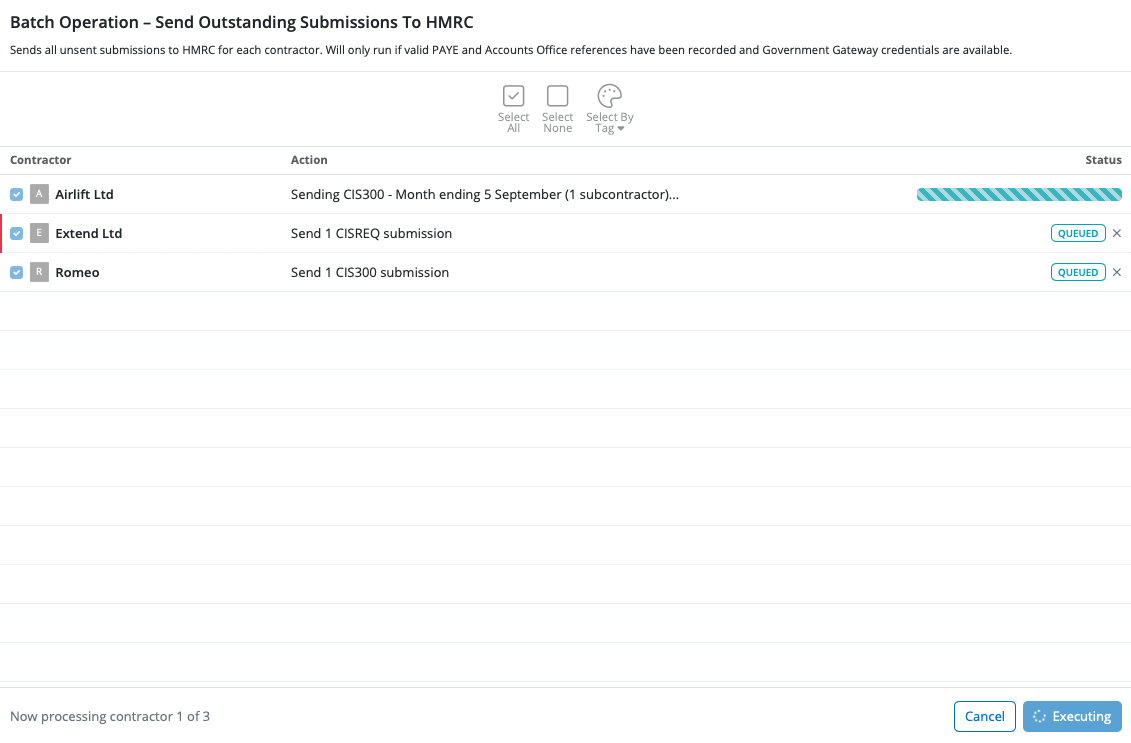
Each return will be sent to HMRC in order, and you can see the status updating on the Batch Operation window for each submission.
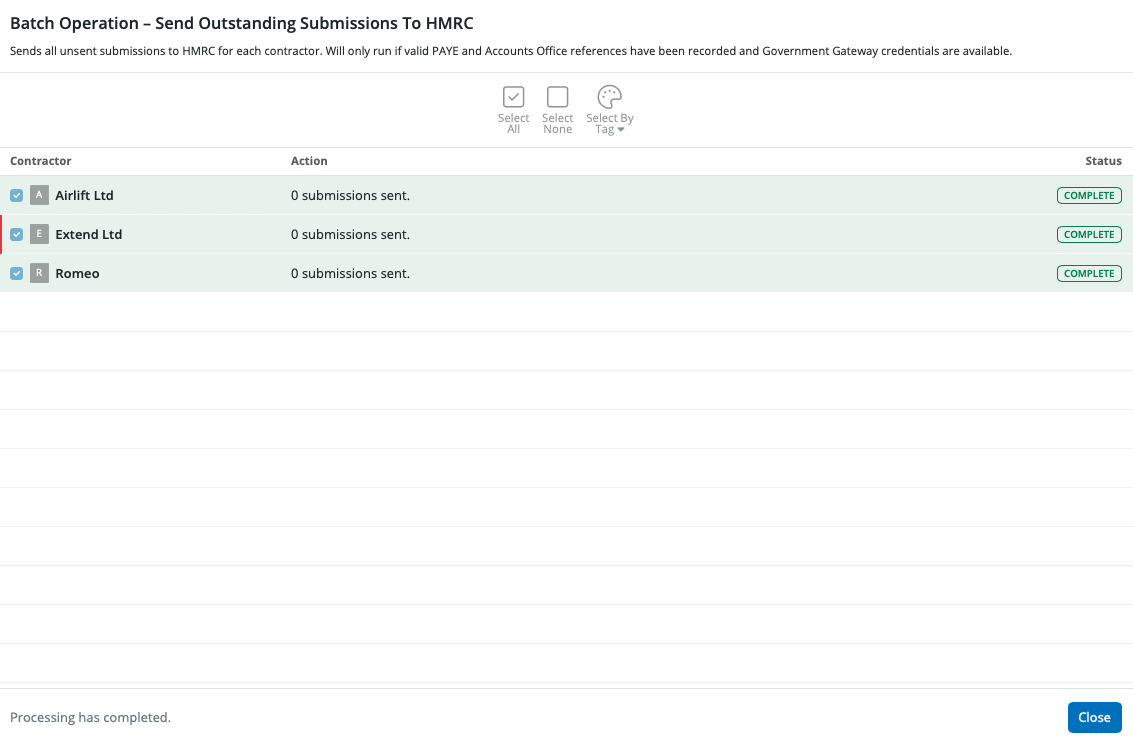
Once all submissions are sent successfully to HMRC, you will see Complete beside each submission under the Status heading.
Need help? Support is available at 0345 9390019 or [email protected].







