Entering your HMRC Credentials
HMRC credentials need to be set up for each user in their Bright ID profile for BrightCIS.
When you log into BrightCIS using your Bright ID you can add your HMRC credentials to your Bright ID profile under > Settings > Gateway Credentials. If required, multiple HMRC credentials can be added to each user's Bright ID profile.
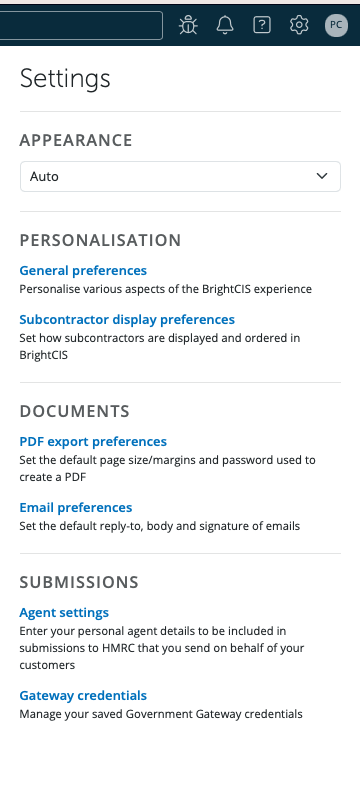
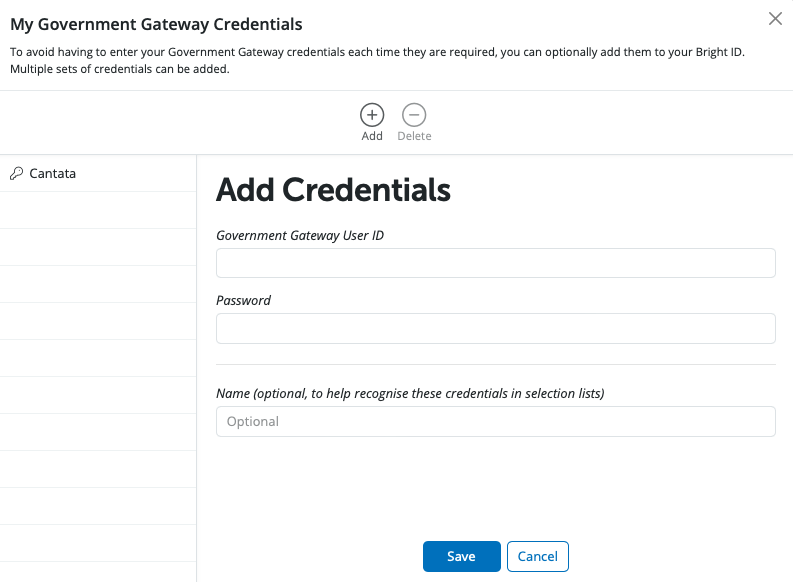
Enter in your Government Gateway User ID and Password.
If you wish to enter in a name to help recognise the credentials in the selection lists please enter the details in the Name field. Select Save.
Need help? Support is available at 0345 9390019 or [email protected].
BrightCIS System RequirementsBrightCIS Service InfrastructureIntroduction to BrightCISGetting StartedOrganisation Members ManagementContractor DetailsSubcontractorsBatch Processing CIS ReturnsPaying SubcontractorsYear End StatementCIS - VAT Domestic Reverse ChargeRTI Requirement from April 2022 - CIS Deductions SufferedProcessing CIS PaymentsImporting/Updating SubcontractorsTwo Factor AuthenticationFAQsEntering your HMRC CredentialsGross CIS Deductions







