Creating an Organisation
Here is a link to a video tutorial on how to set up an Organisation in BrightCIS - Setting up your Organisation in BrightCIS.
Creating a new Organisation
Once signed into BrightCIS, you will need to set up an Organisation. You can set this up under Welcome to BrightCIS as Step 1 or under My Organisations.
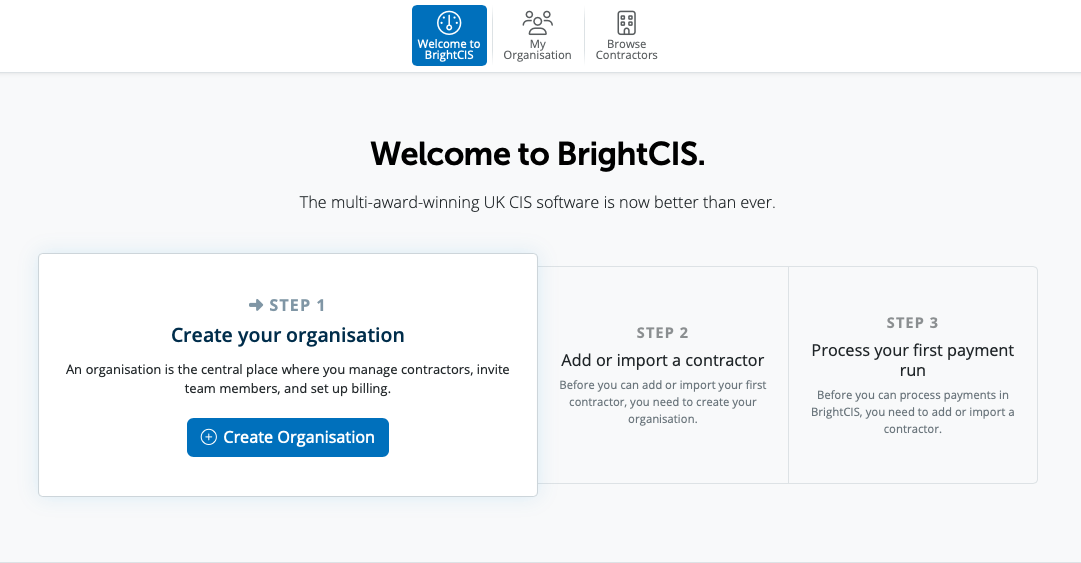
To create a new Organisation select Create Organisation or use the option under > My Organisation > New Organisation

An Organisation is where contractors, team members and billing are managed.
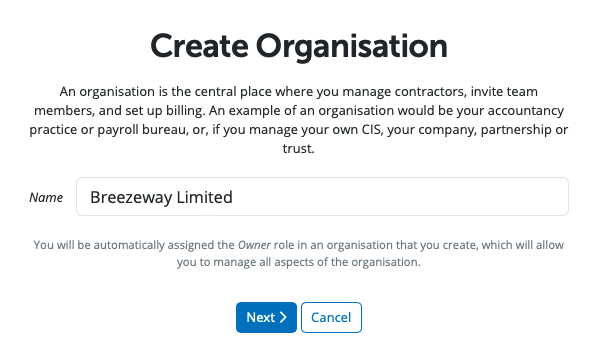
Enter the name of your Organisation and select 'Next'.
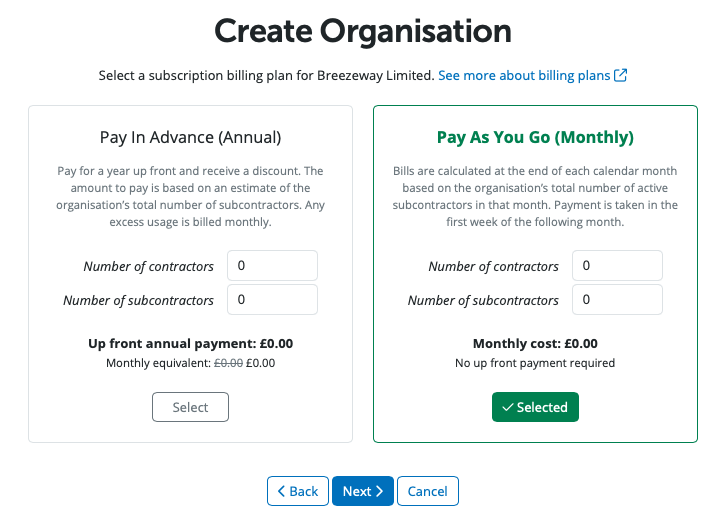
BrightCIS is billed monthly at the end of each calendar month based on all of the organisation's subcontractors in that month or you have the option of paying annually up front.
Please enter the number of contractors and number of subcontractors in the Annual option- you pay for a year up front based on an estimate of the organisation's total number of subcontractors and any excess usage is billed monthly, or in the Monthly option - the number of subcontractors in the organisation in the month will be billed for, in order to set up your billing plan.
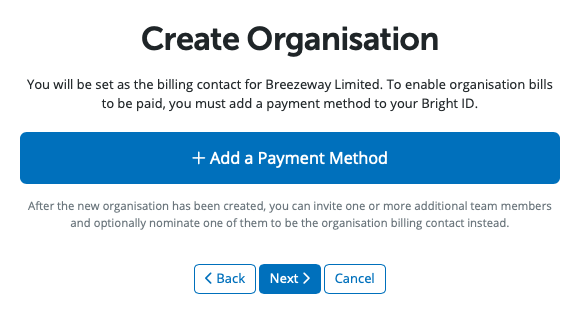
By default, the owner is set as the Billing Manager when they create the Organisation. This can be changed later if necessary.
You need to add your payment method. After your payment details have been entered, please select Next.
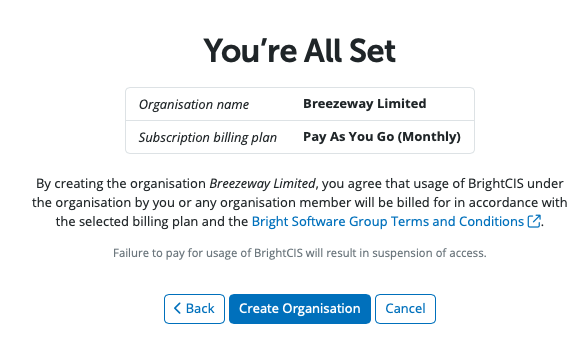
The final step to create the Organisation is to select 'Create Organisation'.
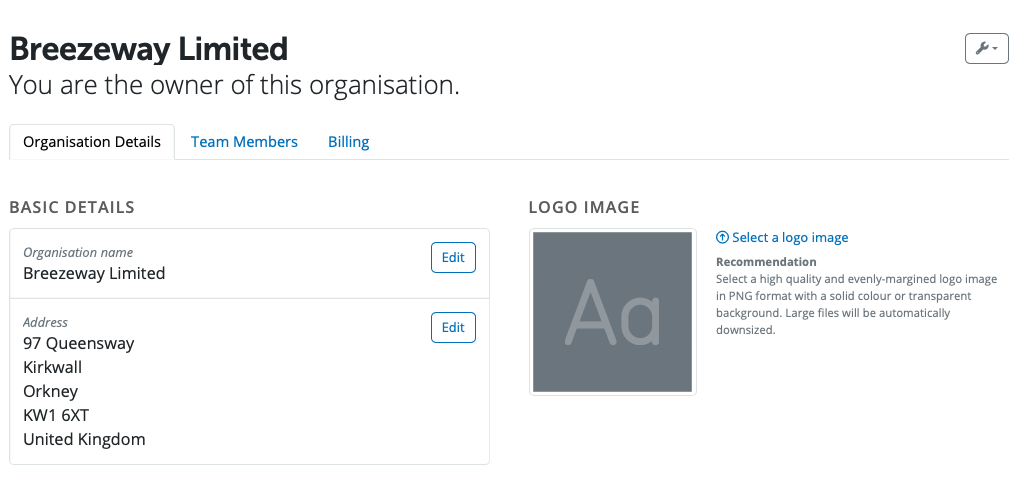
To access details of the Organisation please view under > My Organisation > Organisation Details
Need help? Support is available at 0345 9390019 or [email protected].







