Getting Set up in BrightCIS
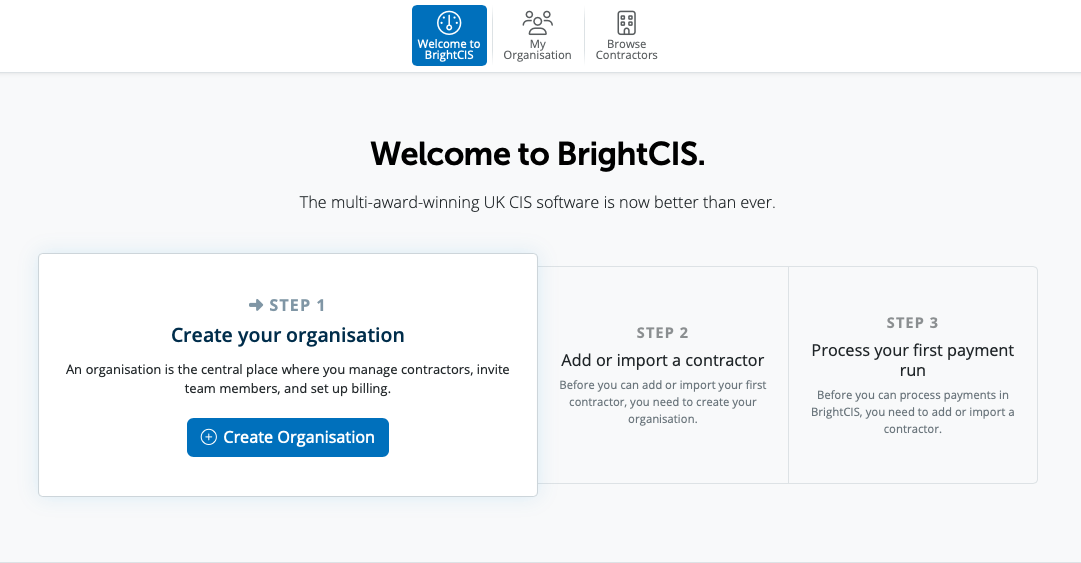
As a new user, when you log into BrightCIS, on the Welcome to BrightCIS screen you will have a step by step guide on how to set up your information.
Step 1 prompts you to create your Organisation.
For assistance on setting up your Organisation, please see here.
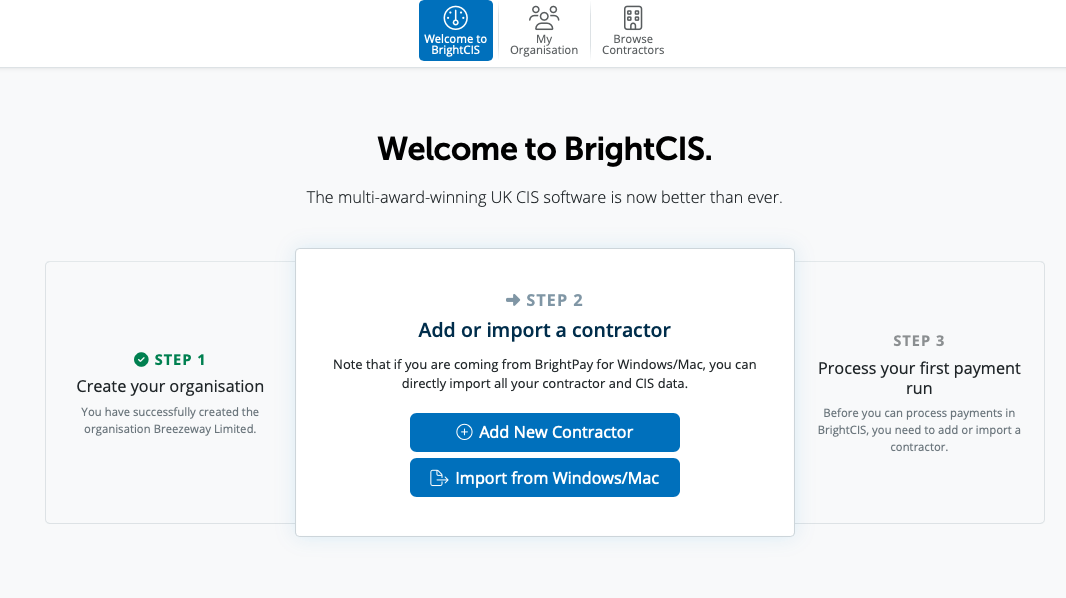
Step 2 prompts you to Add or Import a contractor.
In order to create your new contractor manually please select the Add New Contractor option. If you are currently using the CIS option in BrightPay for Windows, to import your employer data from BrightPay please select the option of Import from Windows/Mac and follow the steps.
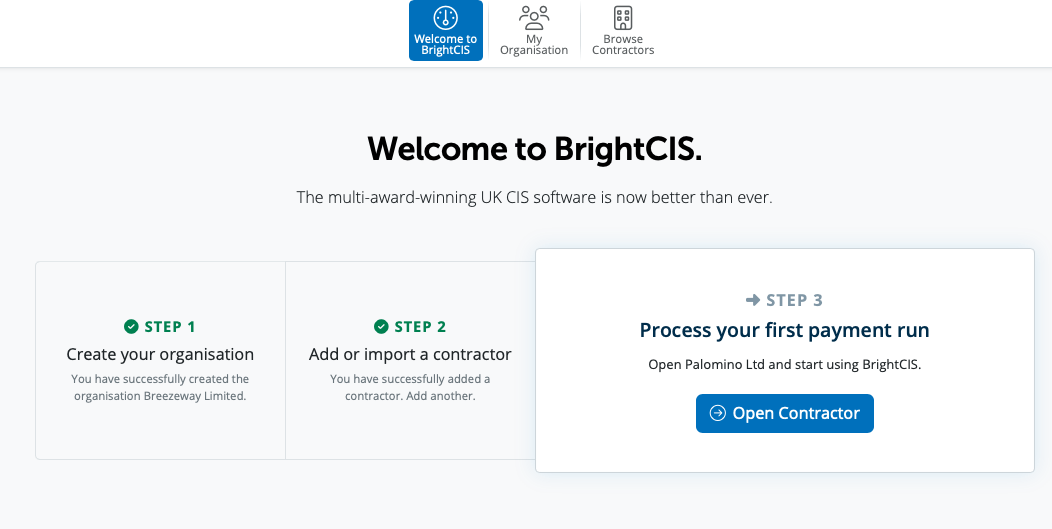
Step 3 Process your first payment
Once you have your organisation set up and your contractor set up or imported, you are now ready to process your first payment. Please select Open Contractor in order to access your contractor data.
Need help? Support is available at 0345 9390019 or [email protected].







