Importing Saved Reports from another BrightPay employer


If you have created and saved a report (or multiple reports) in one employer file which you would like to use in another, these can be imported into your currently opened employer file. 


1) To do so, go to Analysis > Manage > Import Report Templates from Another Employer...



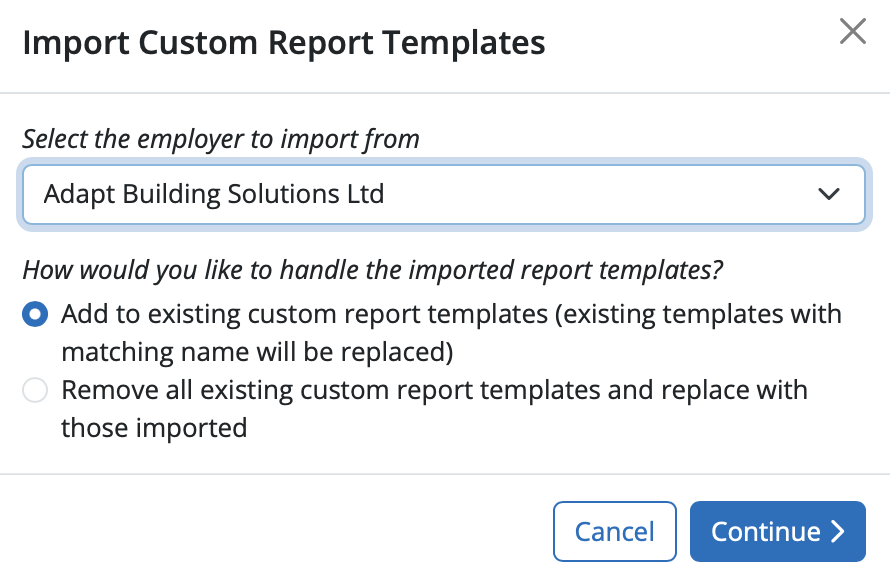
2) Select the employer in your Organisation on the dropdown menu from which you wish to import reports.  Select how you want to handle the import report templates - to add to existing reports (reports with matching name will be replaced) or to replace all existing reports. Click 'Continue'.


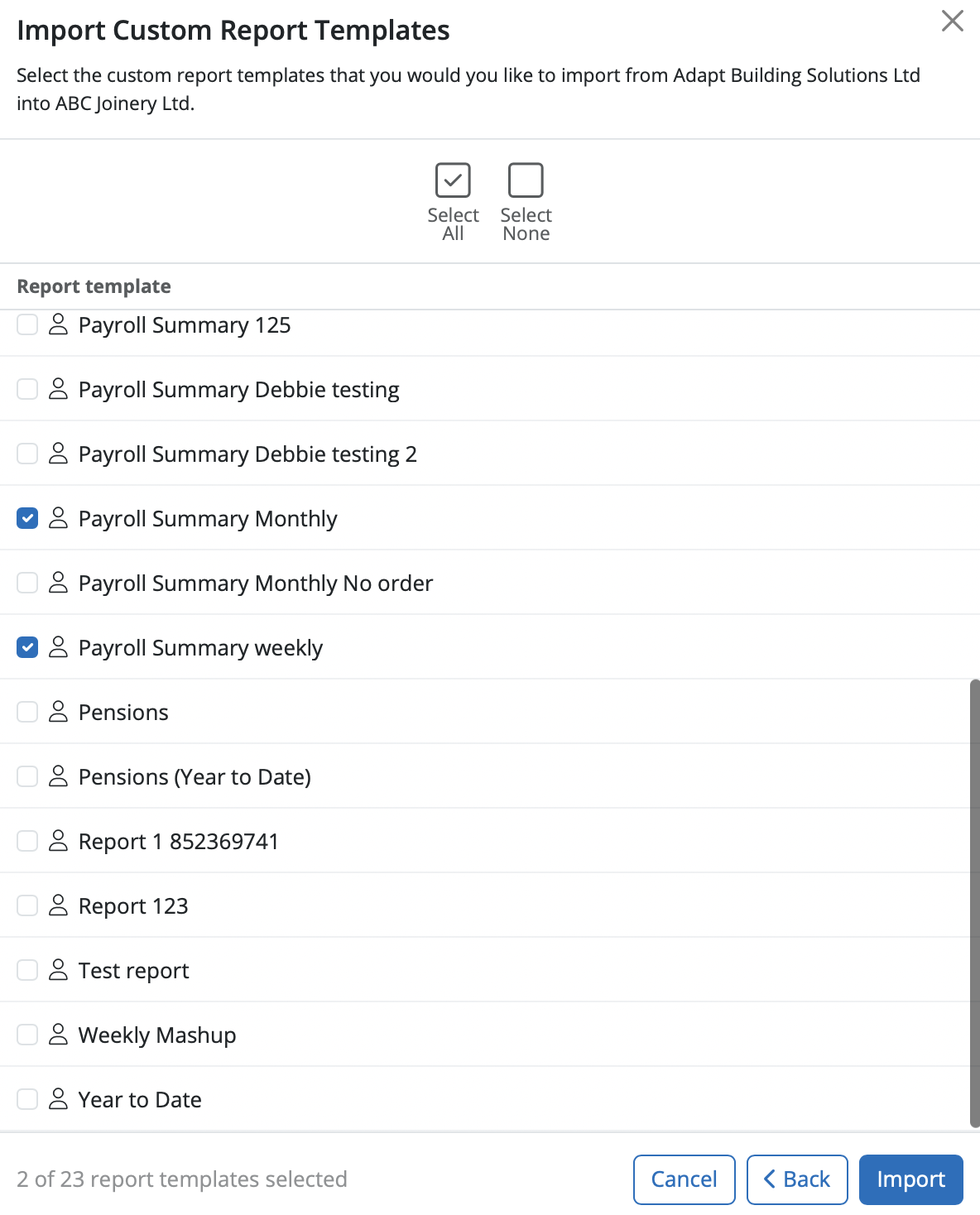
3) Select the report or reports you wish to import available from the list. Select 'Import'.


4) At the prompt, click 'Yes' to start the import.
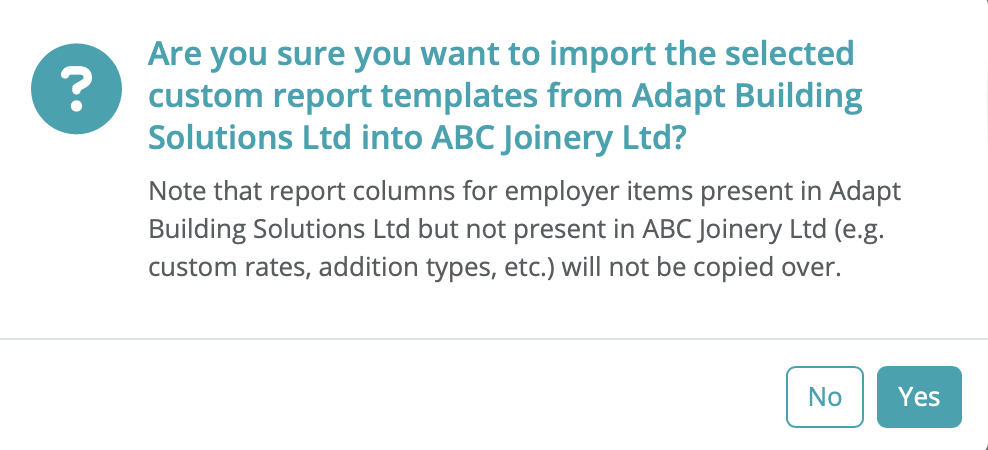


Please note: report columns for employer items (e.g. custom rates, additions, etc.) that are not present in your currently opened employer file will not be copied over.


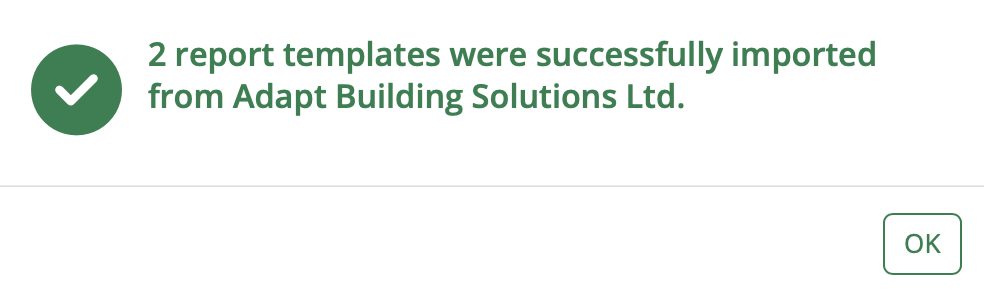
5) The reports chosen will now be successfully imported for you.


Need help? Support is available at 0345 9390019 or [email protected].

BrightPay (Cloud) System RequirementsBrightPay's Employer Tax Rate Card 2025-26BrightPay (Cloud) Service InfrastructureWhat's New in BrightPay?Features not yet available in BrightPayMoving to BrightPay cloudWhat's happening to BrightPay for Windows/Mac?Introduction to BrightPayGetting StartedStarting the New Tax YearImporting Into BrightPay from BrightPay for WindowsMoving to BrightPay from another payroll softwareOrganisation Members ManagementTwo Factor Authentication - UsersEmployer DetailsEmployee DetailsCoding NoticesPayroll CalendarProcessing PayrollImporting Pay Data using CSV FileDistributing PayslipsPaying EmployeesRTICommon HMRC Error MessagesAnalysisPayroll JournalsHMRCMaking Corrections in PayrollDirectorsOff-Payroll Working (IR35)StartersLeaversStudent Loan DeductionsPostgraduate Loan DeductionsAttachment of EarningsExpenses & BenefitsPensions (outside of Automatic Enrolment)Payroll GivingYear EndRates & Thresholds at a GlanceTaxNational InsuranceNational Minimum Living WageMileage Allowance Payments (MAPs)Employment AllowanceApprenticeship LevyTermination Awards & Sporting TestimonialsGender Pay Gap ReportingStatutory PaymentsEmployee Self Service PortalTwo Factor Authentication - EmployeesManager's PortalBrightPay Client PortalPayslip TranslationsBatch Processing PayrollEmployment VerificationImporting Information From Connect into BrightPay cloudClient Payroll RequestsTimeKeeper IntegrationRelease NotesBureau Enhancement Features - Useful Functionality for Payroll Bureaus or Accountants






