Resource Options
The Resources utility allows users to upload, store and manage key employee and HR related documents securely in BrightPay.
Email Notifications
A notification email can be sent to employees to advise there is a resource available on the Employee Self Service Portal to view.
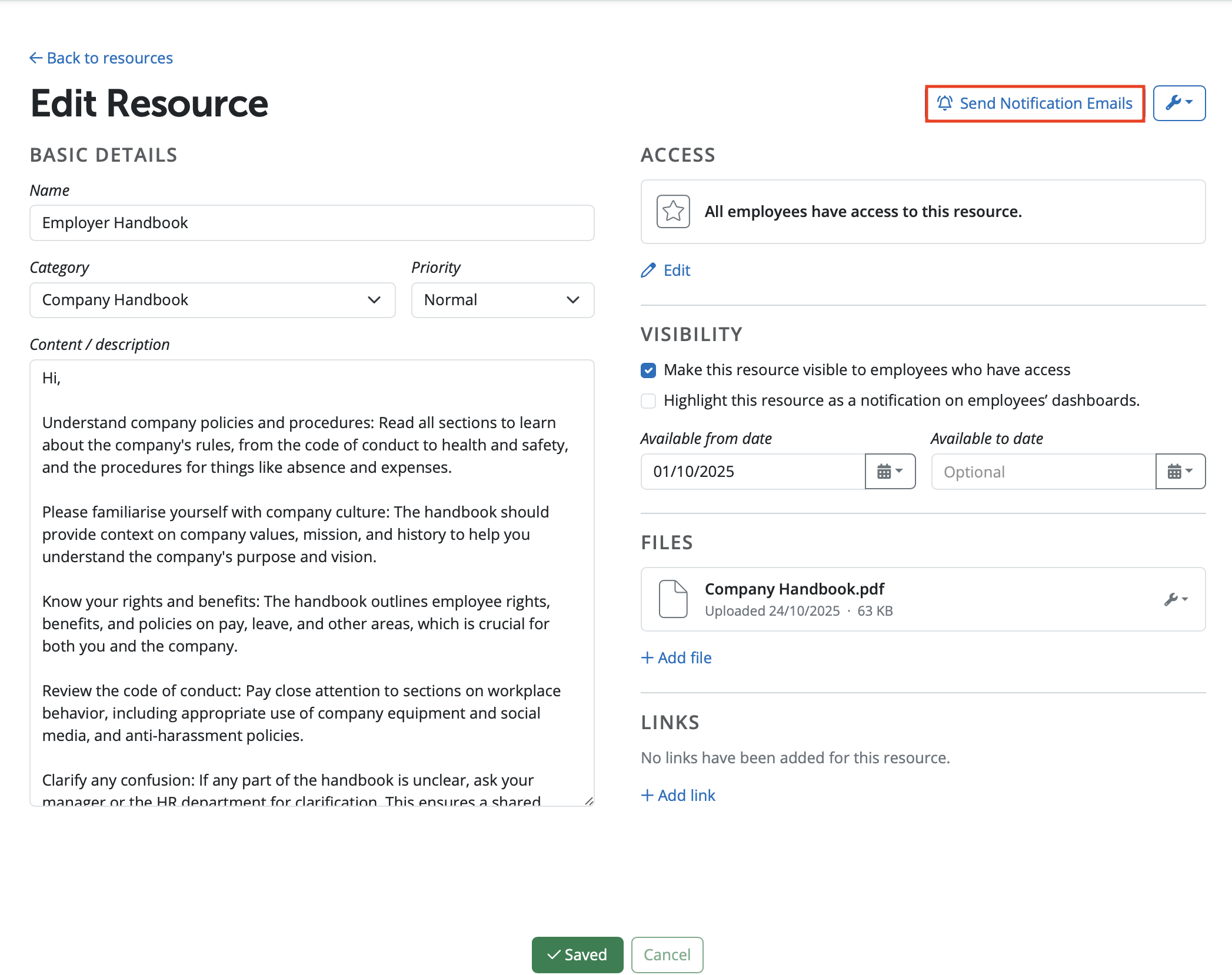
Under > Employers > Employee Portal > Resources > Select the resource required. To send the notification to employees for the resource please select the option 'Send Notification Emails'.
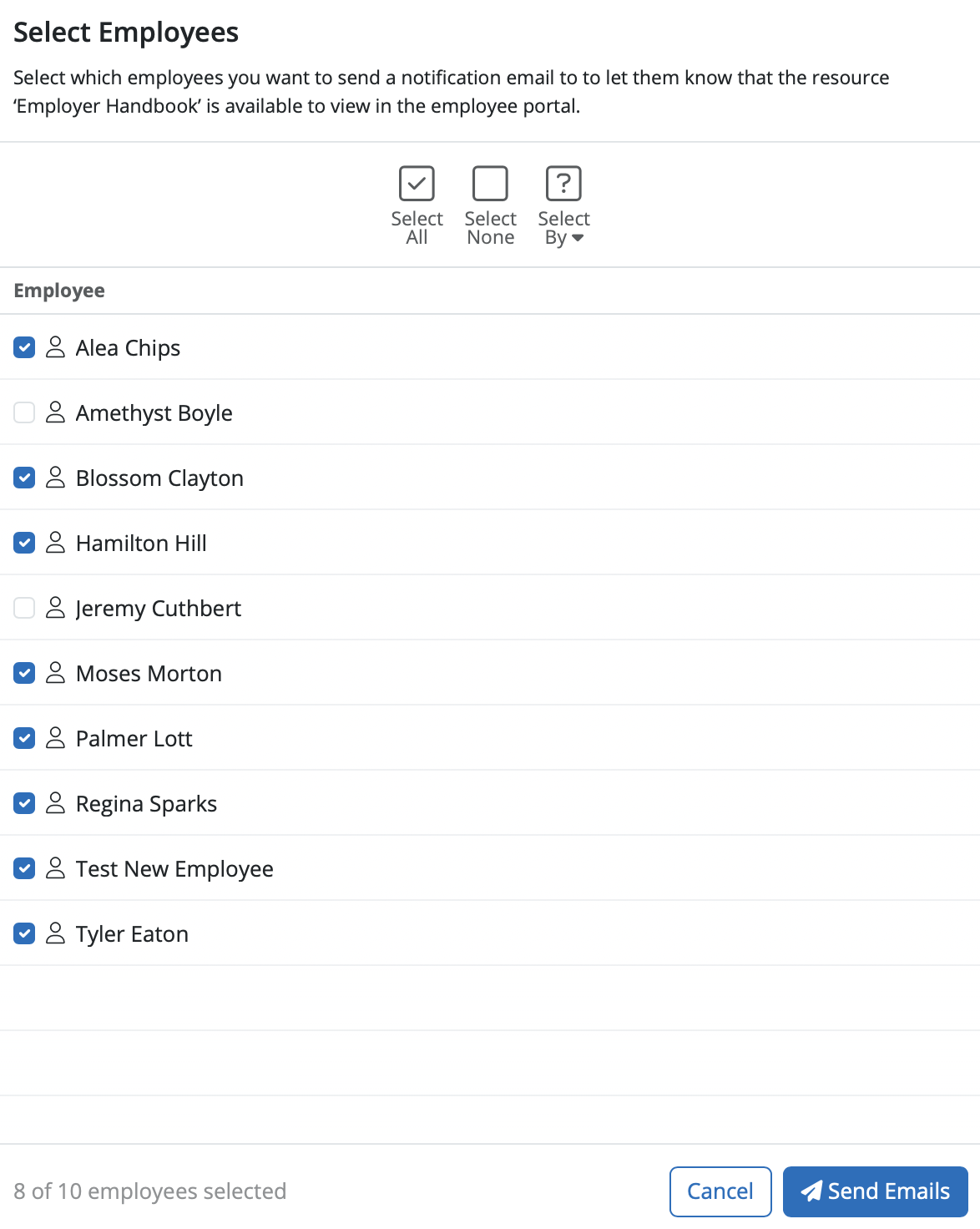
Select the employees required and click 'Send Emails'. Email notifications will be sent to the selected employees that the resource is available to view on their Employee Self Service Portal.
Activity Log
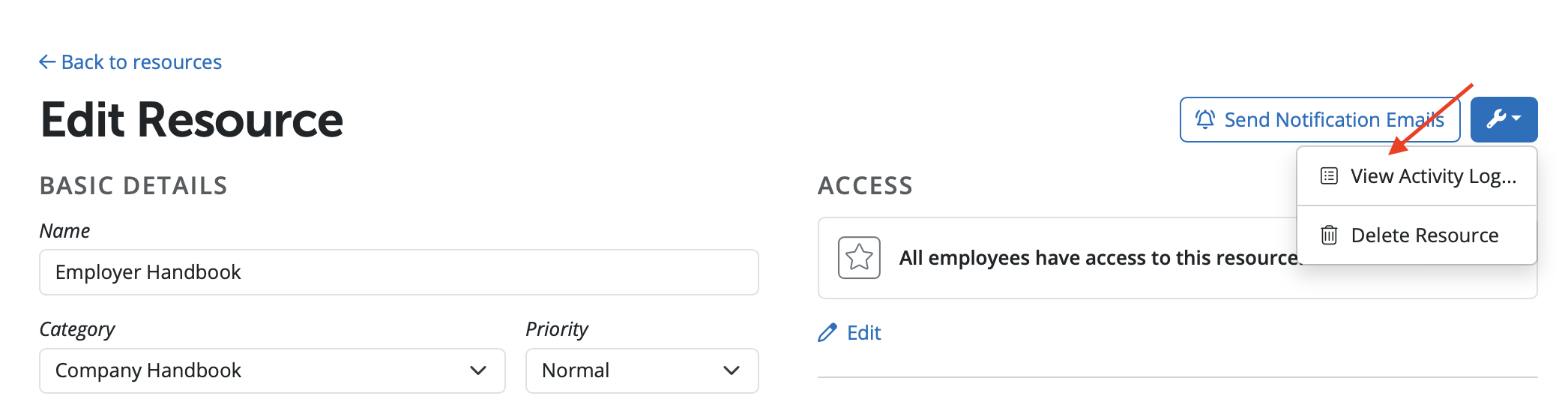
An activity log is available for a resource and is accessible under the spanner symbol and 'View Activity Log'.
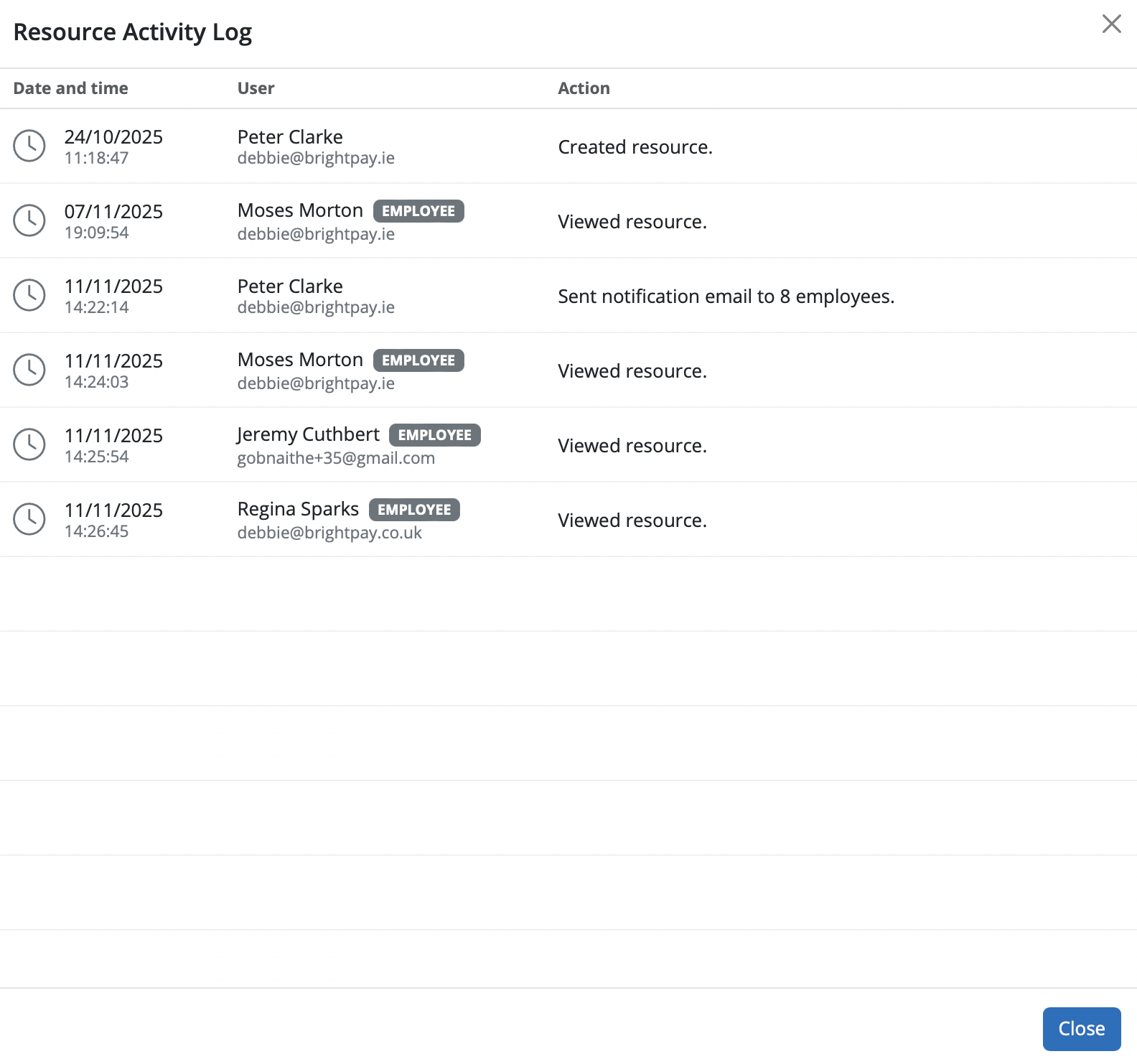
The Activity Log display when the resource was created and who by, if an email notification was sent to employees and which employees have viewed the resource and when.
Need help? Support is available at 0345 9390019 or [email protected].







